Freaky Fonts - Copy-Paste Freaky Fancy Text Fonts
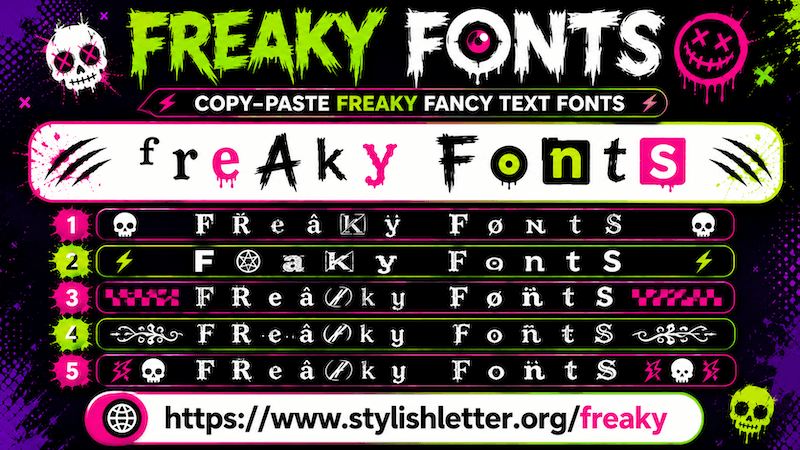
Freaky fonts is a fancy text style that turns your normal text into unique and crazy-looking text using symbols,
emojis, and decorative characters. When you see these styles, they feel unusual, creative, that is why they are
called freaky
fonts. Even though the text looks different and stylish, it is still readable.
If someone reads your message, nickname, or name, they can still understand what is written. So you do not have
to worry about readability.
How to Copy and Paste Freaky Fonts?
It is quite simple to do. First, click on the input bar. Then yype your name, nickname, message, or anything
that you want to convert into freaky fonts.
As you type it, this will automatically generates freaky fonts for you. After generation, simply click on any
style that you like. As you clicked, you will see a "Copied" notification. That means your text
has been copied successfully.
Now you can paste and share it anywhere you want.
Why Should I Use "Deco" Function?
The Deco function gives you more unique freaky fonts by adding more text arts and symbols.
It is especially useful here because by default you only see a small number of freaky font styles. If you want
more styles and more creativity, then Deco button feature helps with that.
You will notice a Deco button on the right side of every freaky font style.
For example, if you like one style but want something extra, then click the Deco button. As you click, a pop-up
called Flourish Stylish Letter will open.
There you will see your selected freaky font decorated with additional symbols, emojis, kaomojis, text art,
gaming symbols, decorative elements, and more. These additions make your freaky fonts look even more unique.
If you do not like the current designs, simply use the regenerate it button. Every click refreshes and generates
more decorated styles.
To copy one, simply click it and you will see a copied notification.
How Can I Make Freaky Fonts Look Bigger and Smaller
It is quite easy to do. Once your fancy text is generated, you will find a slider below the input bar.
Move the slider to the right side to make text bigger.
Move the slider to the left side to make it smaller.
Remember that this only changes the preview size, It is only for you.
So, you can know how it looks in bigger and smaller sizes.
When you share the text, the actual font size depends on the device font settings of the person viewing it.
What is a Bulb Icon Button?
The bulb icon is a built-in motivation message feature that helps you when you do not know what to write. When
you click it, a new page opens with many categories of messages.
For example:
- Mindset & Attitude
- Business & Hustle
- Gaming Vibes
- Spiritual & Inner Peace
- And many more
For example, if you select a message like:
"I am not what happened to me. I am what I choose to become."
That message will automatically appear in the input bar and convert into freaky fonts. Then you can click and
copy it to share with friends, family, or on social media platforms.
You can use the bulb icon in the same way for all available messages.