Russian Letters
-
Яцssїди Lэттэяs
Russian 1 15 chars -
尺ЦららɪΛЛ ŁƐŤŤƐ尺ら
Russian 2 15 chars -
ЯЦSSIΛИ ᒪΞΓΓΞЯS
Russian 3 15 chars -
RUSSIΛП ᄂΣTTΣRS
Russian 4 15 chars

Яцssїди Lэттэяs
尺ЦららɪΛЛ ŁƐŤŤƐ尺ら
ЯЦSSIΛИ ᒪΞΓΓΞЯS
RUSSIΛП ᄂΣTTΣRS
Russian Fonts Generator is a fancy text tool that transforms your normal text into Russian inspired font styles. When you see these fancy text styles, it may feel like you are reading Russian because of how the letters look. Similar to Asian fancy text, where the generated styles can look like Japanese or other Asian languages, Russian fancy text creates a similar effect using Russian-inspired characters.
Even though it looks different, the text is still written in English. When you try to read it, you can still understand it easily—it only looks like Russian.
That is why it is called Russian Fancy Text.
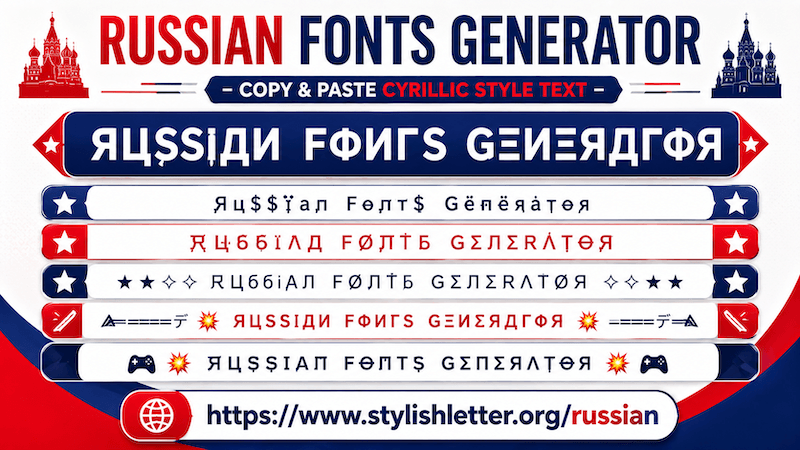
Here you will find a collection of Russian fancy text styles. By default, you will first see simple Russian fancy text styles.
After that, you will find Decorated Russian styles with extra decorative elements.
If you want more styles, click the "More Russian Stylish Letter" button. Every click generates 10 more Russian fancy text styles. In this way, you can generate more than 100+ Russian fancy text styles.
It is quite easy to do. First, click on the input bar where you see "✎ Type a letters......". Then type your message, name, nickname, or anything you want.
As you type it, the tool automatically generates Russian fancy text fonts.
It first generates simple Russian styles and then decorative Russian styles. Scroll down and choose the style that you like. As you click it, you will see a "Copied" notification. That means your text has been copied successfully.
Now you can paste and share it anywhere you want.
Yes, you can. It works the same way as other fancy text styles.
Click the bulb icon at the bottom.
When you click it, a new page opens with many built-in messages.
These messages are grouped into categories such as:
This feature is designed for people who do not know what to write or do not want to search for quotes manually.
Using it is simple. Just click on any message that you like.
For example:
Excellence is not a skill, it is an attitude.
Once selected, the message appears in the input bar and automatically generates Russian fancy text fonts.
Then simply click the style you like it. As you click it will copy it.
Now, You can use it for WhatsApp status, Instagram bio, profile text, and many other places.
It is quite simple. First, generate your fancy text and scroll down to the Decorated Russian section.
Before the section title, you will notice a symbol. You can find the same symbol at the bottom of your screen beside the bulb icon. Click that icon.
As you click it, it refreshes the Decorated Russian section with new Russian fancy text styles. Click again to refresh more styles. Repeat as many times as you want to generate more variations.
If you find one you like, simply click it and it will be copied automatically.
Not exactly. When you share fancy text, you are only sending text characters. So whether it looks bigger and smaller you can't control it.
Because, the final text size depends on the receiver’s device settings. If their font size is larger, then text will appear larger.
If their font size is smaller, it will appear smaller.
However, this function we have added for preview purposes, you can adjust the display size on your screen. Simply use the slider below the input bar.
Move it to the right to make the preview look bigger.
Move it to the left to make it smaller.
Remember that this only changes the preview and does not affect the actual text size when shared.