Small Letters
-
ꜱᴍᴀʟʟ ʟᴇᴛᴛᴇʀꜱ
Small 13 chars -
ₛₘₐₗₗ ₗₑₜₜₑᵣₛ
Sub Script 13 chars -
ˢᵐᵃˡˡ ᴸᵉᵗᵗᵉʳˢ
Super Script 13 chars

ꜱᴍᴀʟʟ ʟᴇᴛᴛᴇʀꜱ
ₛₘₐₗₗ ₗₑₜₜₑᵣₛ
ˢᵐᵃˡˡ ᴸᵉᵗᵗᵉʳˢ
Small stylish letter is a fancy text style that transforms your normal text into smaller and more stylish text. It changes your text into small font styles and also adds decorative symbols to make the final result look more unique and attractive.
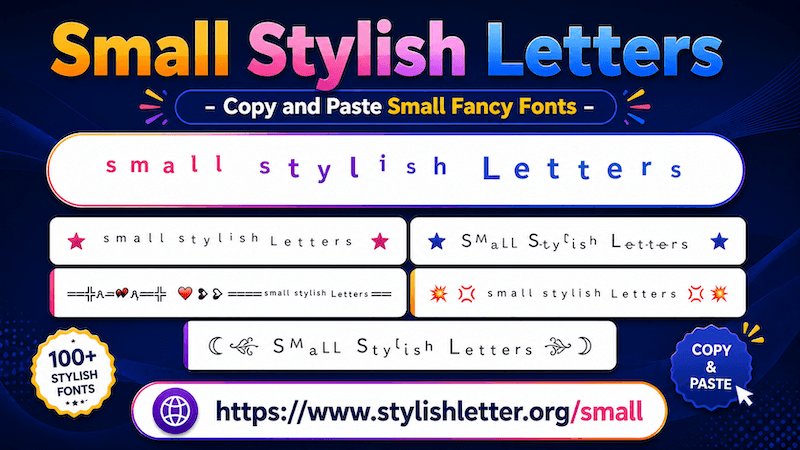
When you type your message, the tool replaces normal letters with smaller font styles and generates many fancy small text.
These text styles appear smaller than normal text and may also include symbols and decorative elements to improve the overall look.
Inside Small Stylish Letter, you will find two sections.
The first section is Small, where you see simple and basic small fancy text styles. By default, you will see only a few styles.
The second section is Decorative Small.
Here you will find small text combined with emojis, Japanese-style emojis (kaomojis), and decorative symbols. Some styles may include hearts, gaming-style symbols, decorative icons, and creative text art.
If you want more options, click the "More Stylish Letters" button. Each click generates 10 more small stylish letter .
It is quite easy to do. First, go to the input bar where it says "Type a letter.....". Type your message, name, nickname, or any text you want. Once you type it, the tool automatically generates many small text styles. Now simply click on the style that you like.
As you click it, you will see a "Copied" notification. That means your text has been copied successfully.
Now you can paste and share it anywhere you want.
The Deco button is a useful feature when you want to keep the same text style but make it look more creative. When you click the Deco button, a new pop-up page opens. There, your selected fancy text style stays the same, but additional decorations are added.
These decorations are included emojis, kaomojis, symbols, text art, gaming elements, decorative icons, and much more.
For example, you may like one small text style but want more decoration without changing the original font.
That is where the Deco feature becomes useful. You can explore many text styles while keeping the same small text style.
If you do not like the current decoration, use the regenerate it button at the bottom.
Every click refreshes and generates new decoration combinations. The text style remains the same, but the symbols and decorative elements change. This helps you find the exact look that you want.
It works exactly the same way. Simply click on any decorated style that you like. Once clicked, you will see a copied notification. That means your text has been copied.
Now you can paste and share it anywhere.
It is quite easy. Below the input bar, you will find a slider. Move the slider to the right to make the preview text look bigger.
Move the slider to the left to make it look smaller.
Remember that this size change is only for preview purposes.
It helps you understand how the text looks at different sizes.
The actual size when shared depends on the font settings and display size of the device where it is viewed.
For example, if someone opens the same text on a larger screen or uses a larger font setting, it may appear bigger.
If their device uses smaller text settings, the same fancy text may appear smaller.